When we talk about computers, servers, or web hosting, one term always comes up CPU. It’s often described as the “brain” of the machine, but what does that really mean? And when you hear about “dual-core,” “quad-core,” or “16-core processors,” what difference does it make — especially when choosing a hosting plan? Let’s break it down.
What Is a CPU?
The Central Processing Unit (CPU) is the component responsible for executing instructions, that's the commands that make your computer or server do what it does. Every time your website loads, a program runs, or a database query executes, the CPU handles those operations.
Think of it like a manager in a busy office. It doesn’t do every task itself, but it decides what needs to be done, in what order, and delegates accordingly.
What Are CPU Cores?
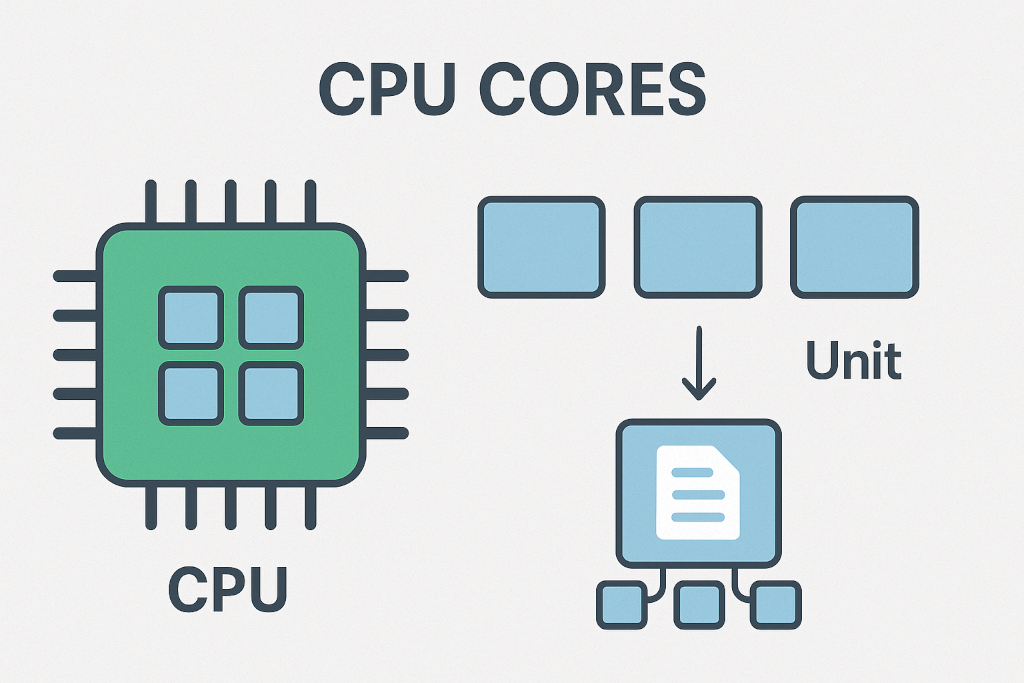
Originally, CPUs had only one “core,” meaning one processing unit. Today, most CPUs have multiple cores each core can process its own stream of instructions. For instance:
-
A dual-core CPU has two processors in one chip.
-
A quad-core CPU has four.
-
A 16-core CPU has sixteen independent processors working together.
Each core can handle separate tasks, or threads, allowing for multitasking and parallel processing.
How Do Cores Function Independently and as a Unit?
Each core is capable of functioning independently — meaning one can handle file compression while another processes a database query. However, they also work together under the CPU’s scheduler to divide larger workloads into smaller pieces.
For example:
-
Independently: Core 1 manages your web server, Core 2 handles your email system.
-
Collectively: All cores combine power when running complex applications, such as a virtualized environment or a video rendering engine.
This teamwork boosts performance, but it depends on how well the software is written to use multiple cores — not all applications scale evenly across them.
Pros and Cons of Multi-Core CPUs
Pros:
-
Better multitasking – multiple apps or processes can run simultaneously.
-
Higher performance under load – ideal for virtualization, hosting, and cloud environments.
-
Energy efficiency – multiple smaller cores often consume less power than a single large one.
Cons:
-
Not all software is optimized – some programs still rely heavily on a single core.
-
Thermal management – more cores can mean more heat, requiring efficient cooling.
-
Shared resources – in some architectures, cores share cache or memory channels, which can create bottlenecks.
CPUs in Hosting: What You’re Actually Getting
When you buy a hosting service, the CPU performance you get depends on the type of hosting.
Shared Hosting
You’re sharing CPU cores with other users on the same physical server. It’s cost-effective, but heavy use by one website can affect others.
Good for: personal sites, small blogs, or low-traffic business pages.
VPS (Virtual Private Server) Hosting
You still share a physical CPU with others, but you’re allocated a dedicated slice of processing power specific cores or threads assigned to your virtual machine. This offers more control, stability, and better performance.
Good for: small to mid-size businesses, e-commerce, or websites needing consistent resources.
Dedicated Hosting
You get the entire server to yourself (all physical cores and CPU performance belong to you). There’s no sharing, meaning maximum control, customization, and reliability.
Good for: enterprises, high-traffic sites, database-heavy or compute-intensive workloads.
What to Look Out for When Choosing Hosting
When evaluating hosting plans, pay close attention to:
-
Core count: More cores generally mean better multitasking and load handling.
-
CPU type and generation: A modern 6-core CPU can outperform an older 12-core chip.
-
Clock speed (GHz): Higher speed = faster execution per core.
-
Virtual vs. physical cores: Some providers advertise vCPUs, which are virtual threads mapped to physical cores — not always one-to-one.
-
Workload type: If your application is single-threaded, prioritize faster cores. If it’s multi-threaded, more cores are better.
Bringing It All Together
Understanding how CPUs and their cores function helps you make smarter hosting decisions. Whether you choose shared, VPS, or dedicated hosting, the CPU defines how efficiently your system handles requests, traffic spikes, and complex workloads.
At Tecative, we offer scalable hosting solutions designed to match your performance needs — from shared hosting for small websites to VPS and dedicated servers built for demanding workloads.
Our experts can help you assess your current requirements, plan for growth, and ensure you get the right balance of power, performance, and cost-efficiency.
Comments (0)
No comments yet. Be the first to comment!












Leave a Comment